

Box to snooze, box to wake up
Ding Ding is an alarm clock for iPhone and iPad where you box a one minute round in front of your camera to snooze or switch it off
iPhone and iPad, iOS 17 or later
How it works
You set it like any alarm, the difference is how you turn it off
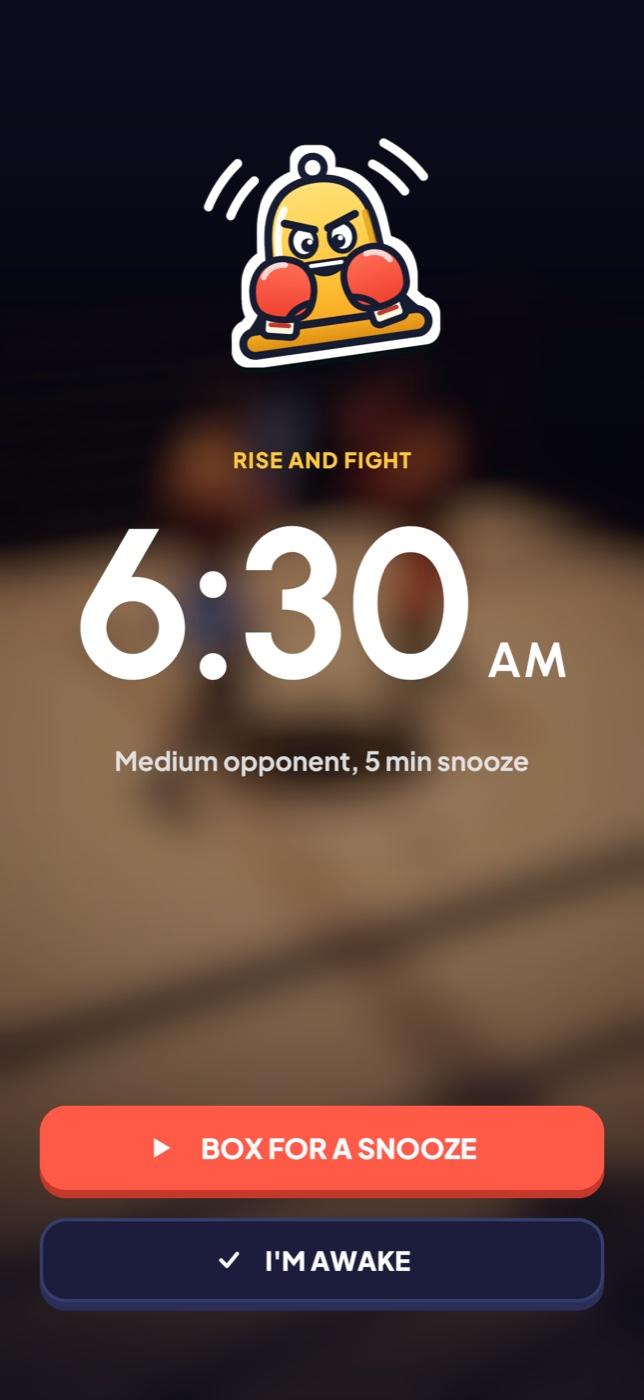
It rings
At the time you set, Ding Ding rings with a boxing bell

You box
Stand your phone up, step back and fight a one minute round against a 3D opponent
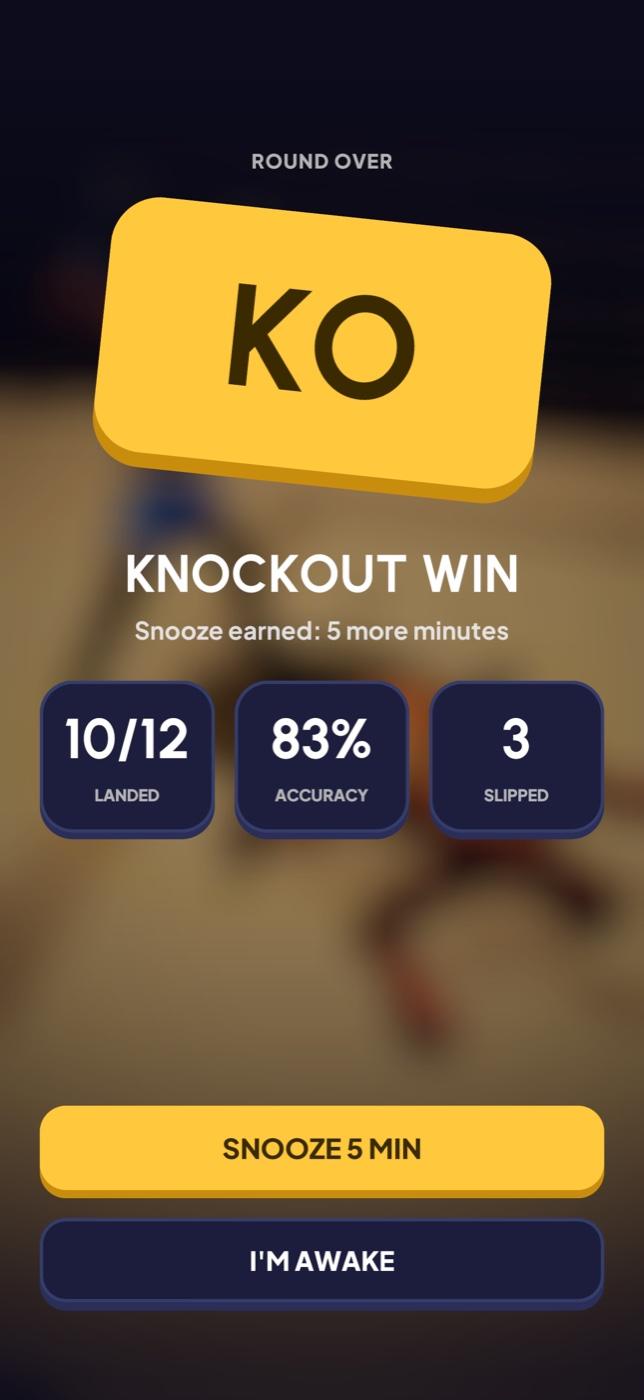
You snooze or get up
Win and you earn the snooze you picked, lose and you earn nothing

Throw real punches
The front camera follows your arms as you move, so the punches you throw are the punches that land
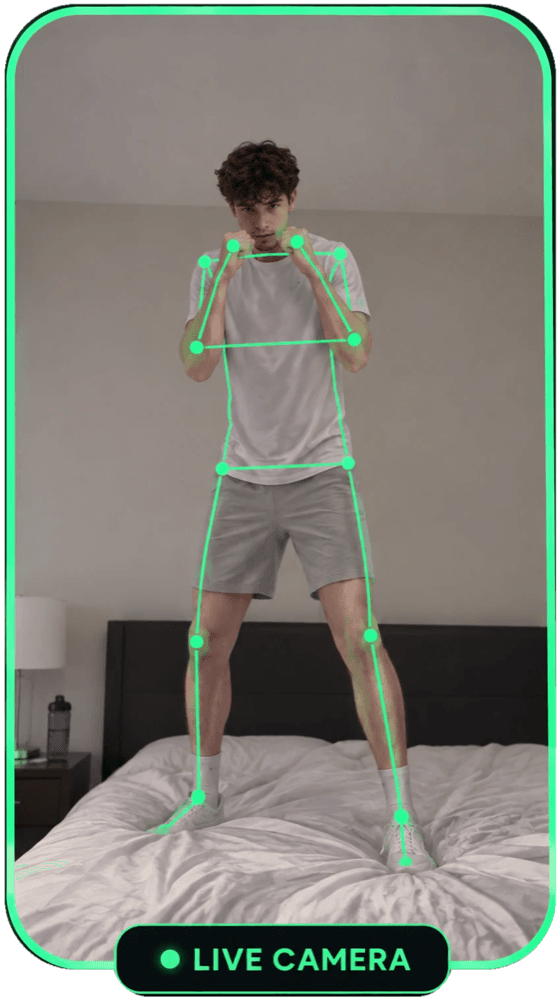
No controller, no gloves, nothing to wear
- Hook
- Swing your fist across, with either hand
- Uppercut
- Drive your fist up from below, with either hand
- Slip
- When he winds up, time slows down, lean the right way to dodge
- Counter
- Fire back right after a slip, before he recovers
Your first round is coached, it shows each move on your own boxer and waits for you to throw it
Stand or sit a few feet back with your shoulders and arms in view, the round pauses if you step out
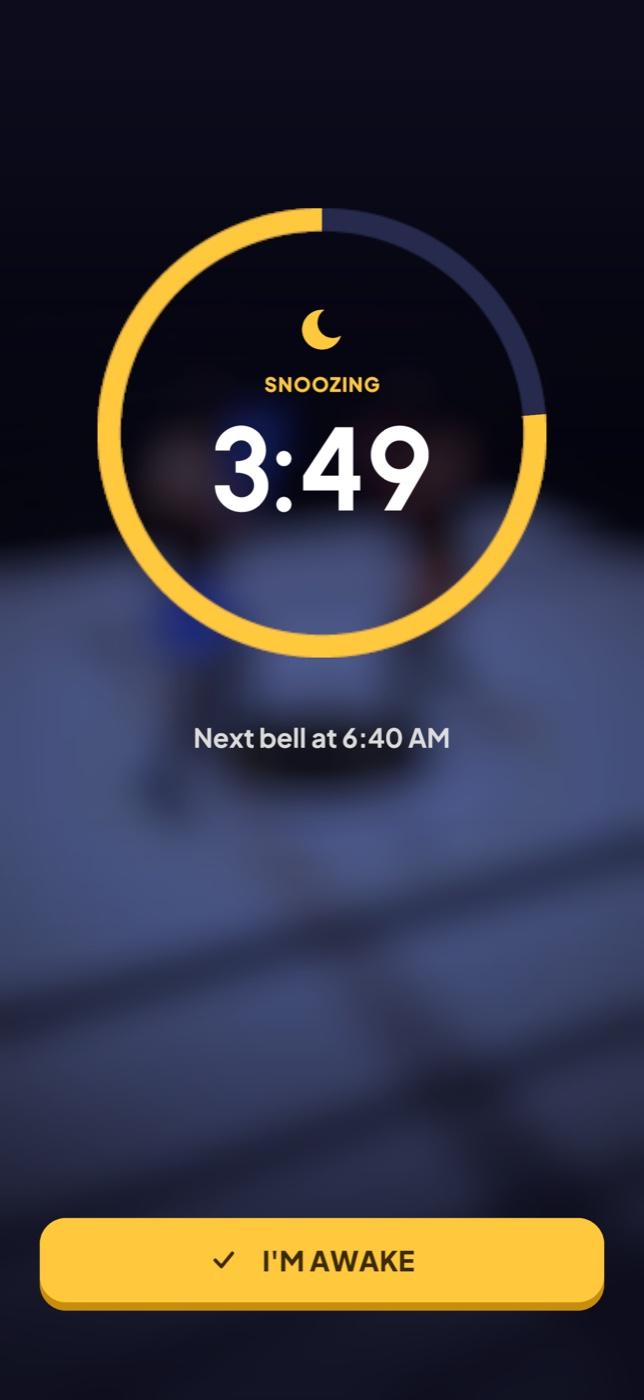
Switching it off takes a round too
Tapping I'm awake doesn't stop the alarm, it starts one more round against the Hard opponent
Win it and the alarm is done for the day, lose and you go again
Leave the app without winning and the bell rings again a minute later
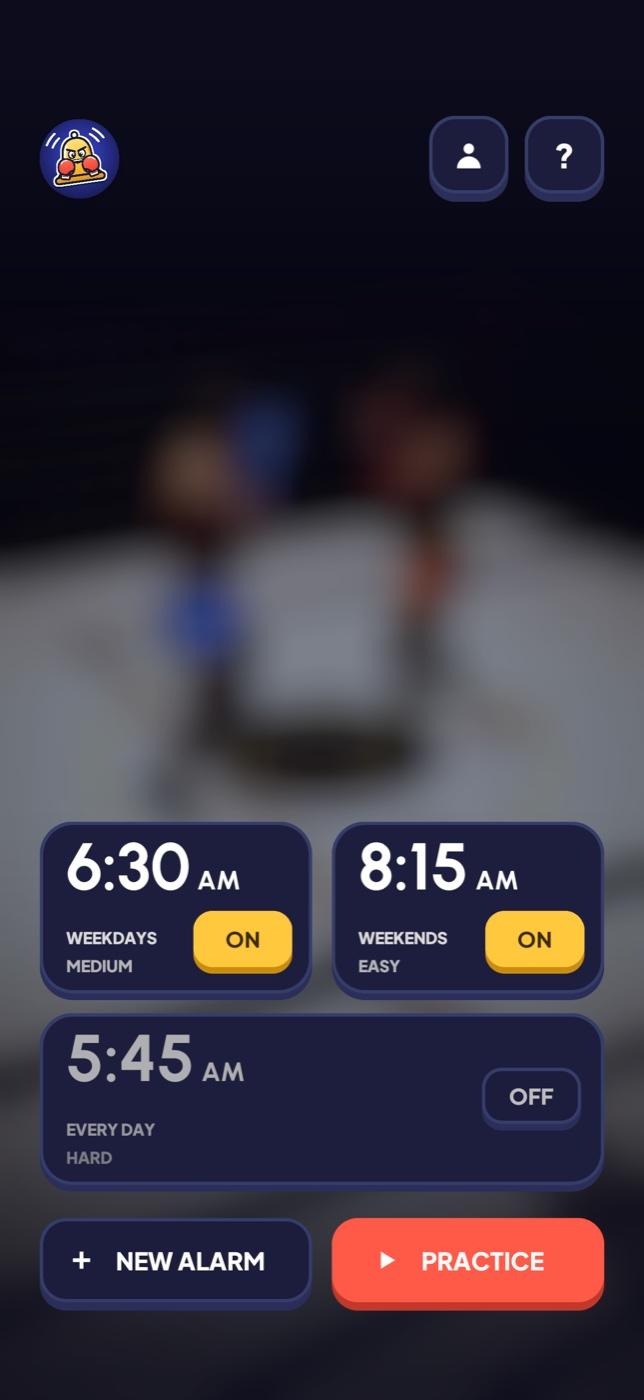
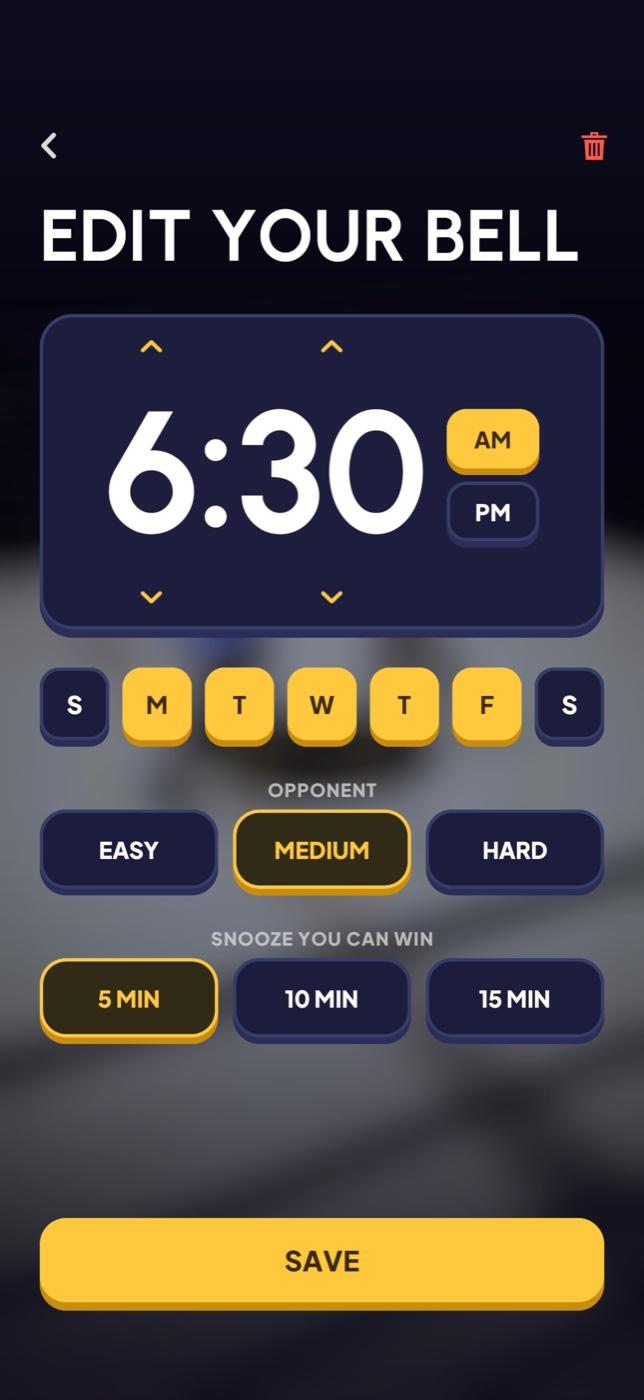
Set it like any alarm
Pick the time and the days, then choose who you fight and how long a win lets you sleep
- Opponent
- Easy, Medium or Hard
- Snooze you can win
- 5, 10 or 15 minutes
- Alarms
- Up to four, each on its own days
- Sound
- Its own boxing bell
- Practice
- Box a round any time from Home
- Account
- Optional, everything works signed out
Video never leaves your iPhone
Your moves are read on the device with Apple Vision, nothing is recorded, saved or uploaded
Signing in is optional, and you can delete your account from inside the app at any time
Read the privacy policyQuestions
Do I need an account?
No, every feature works without one, you can sign in with Apple, Google or email if you want your wins and mornings kept on a profile
Will it ring if the app is closed or my iPhone is locked?
Yes on iOS 26 and later, where Ding Ding rings as a system alarm, on iOS 17 to 25 it rings as a Time Sensitive notification that comes through Focus, so keep your ringer on
How much space do I need?
Enough to stand or sit a few feet from your phone with your shoulders and arms in view, you don't need to move around the room
What happens if I lose?
You get no snooze, you can go again straight away, and the alarm stays on until you win a round
Is the camera recording me?
No, frames are read on your iPhone with Apple Vision and never saved or uploaded, and the camera is only on while you box
Does it work on iPad?
Yes, in portrait, on iPadOS 17 or later
How do I delete my account?
On Home, tap the account button at the top, then Delete account, your profile and sign in are erased for good
Anything else, email sudhxan@gmail.com

Ding Ding: Boxing Alarm Clock
For iPhone and iPad, iOS 17 or later
Coming soon on the App Store